RomM guide
Play retro games in your browser
RomM is XPV Hub's game library: thousands of games from the Game Boy to the Nintendo 64. Many play right in your web browser. You can also download them to use with your own emulator.
1Sign in
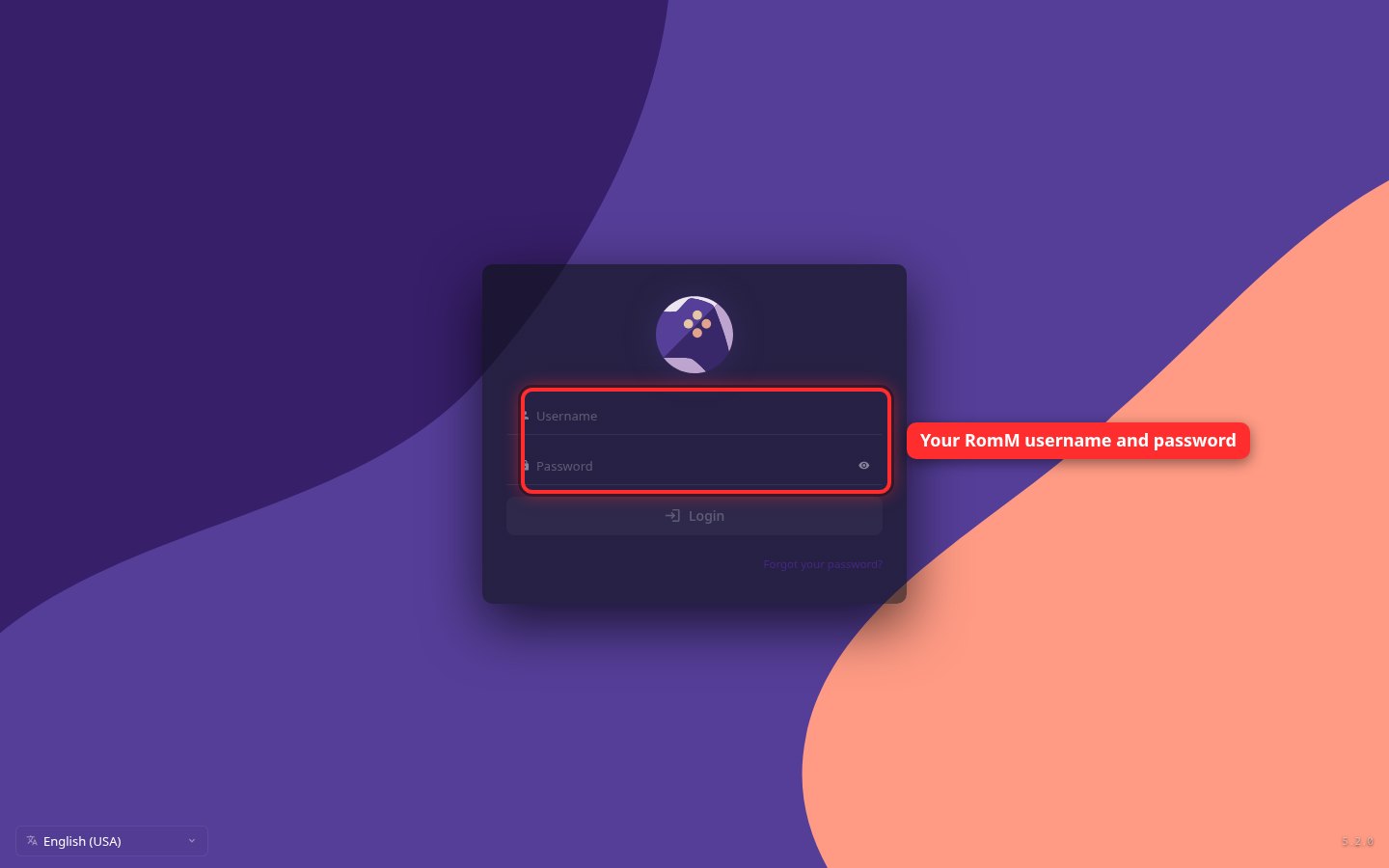
Go to romm.xpvhub.com and sign in with the RomM username and password the server owner gave you. It's a separate login from Jellyfin.
2Pick a system
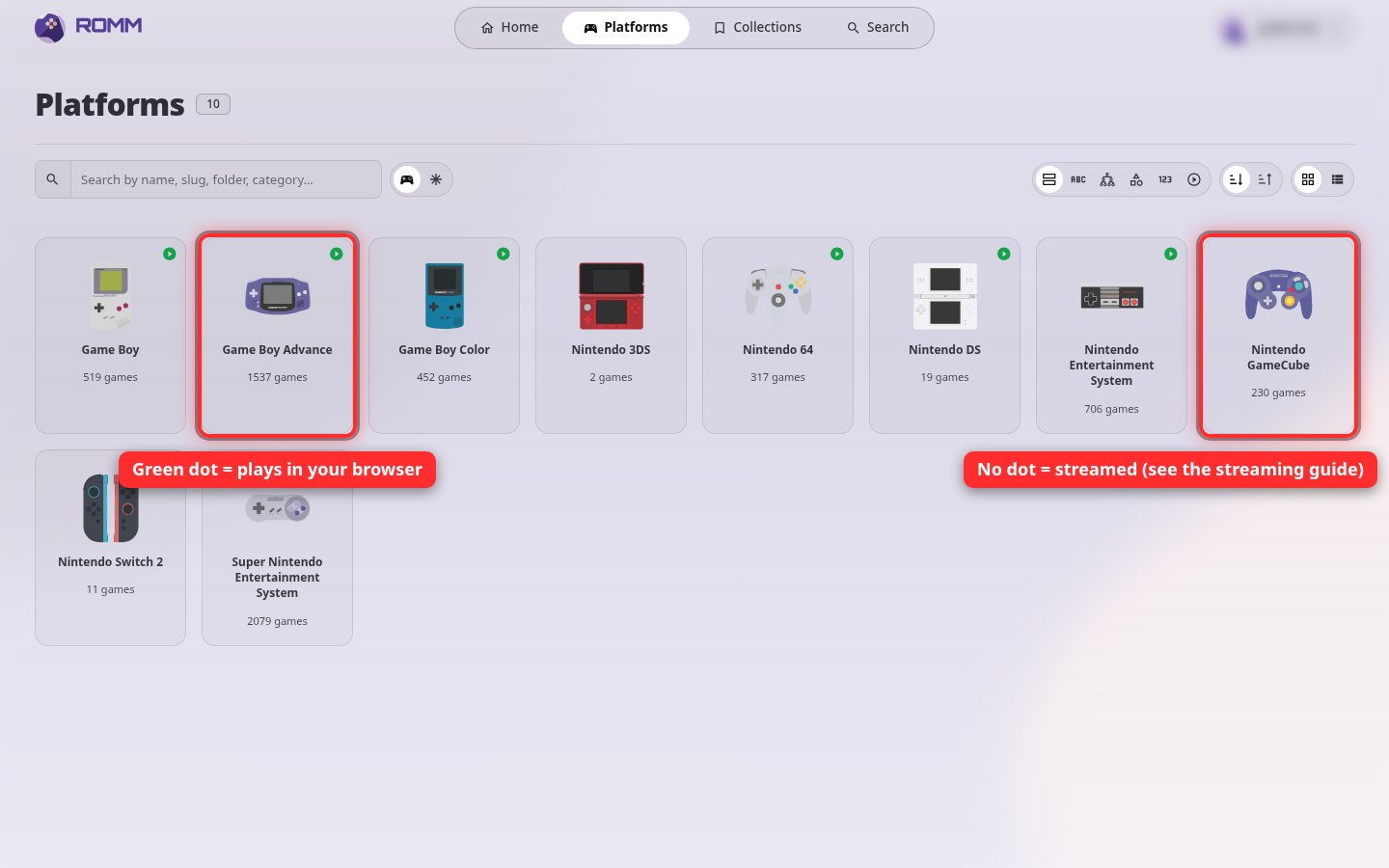
Click Platforms at the top. Systems with a small green dot play in your browser. Systems without one, like the GameCube and 3DS, are either streamed (see Play GameCube and 3DS games) or download-only.
3Or search for a game
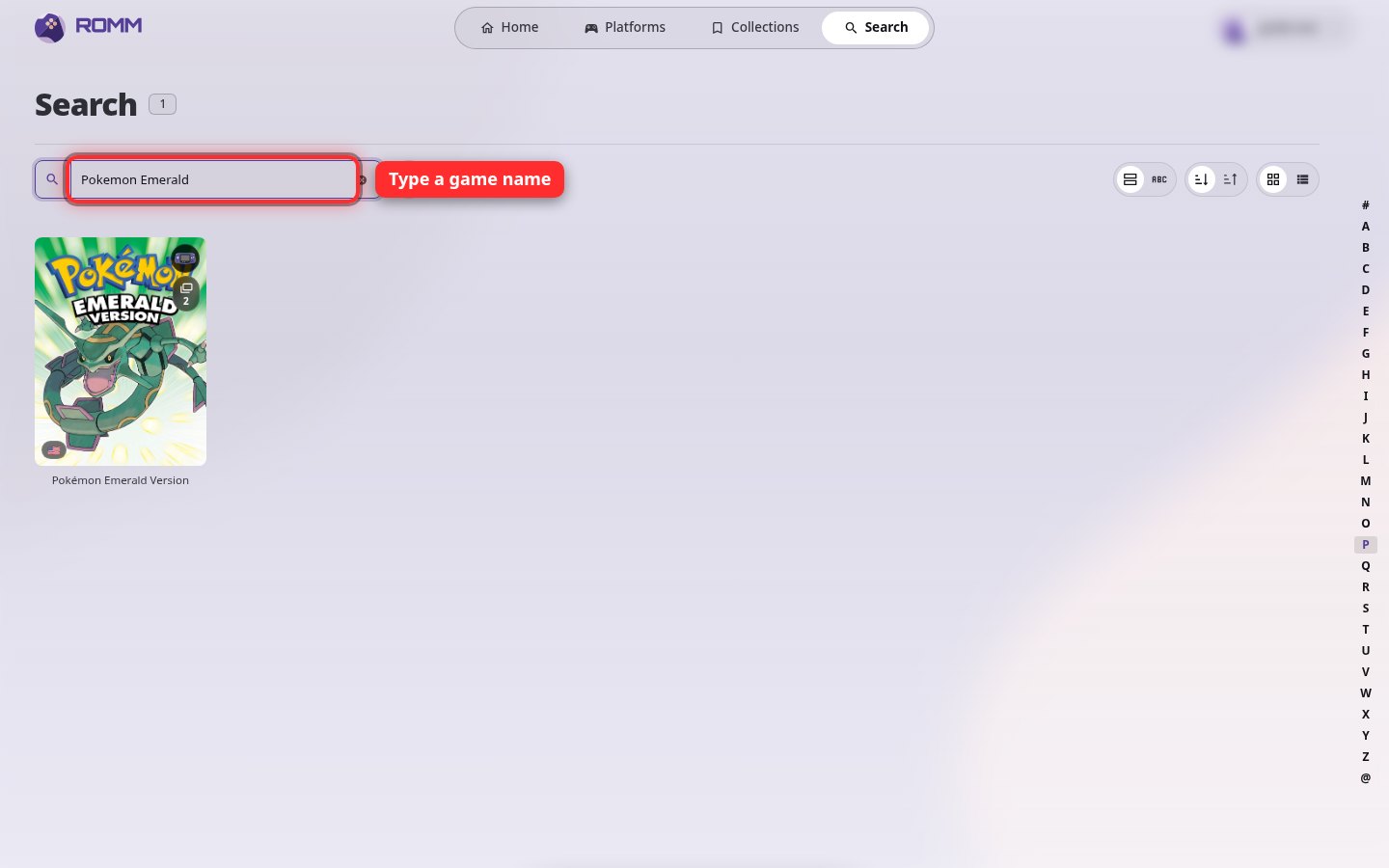
Click Search at the top and type the name of the game.
4Play or download
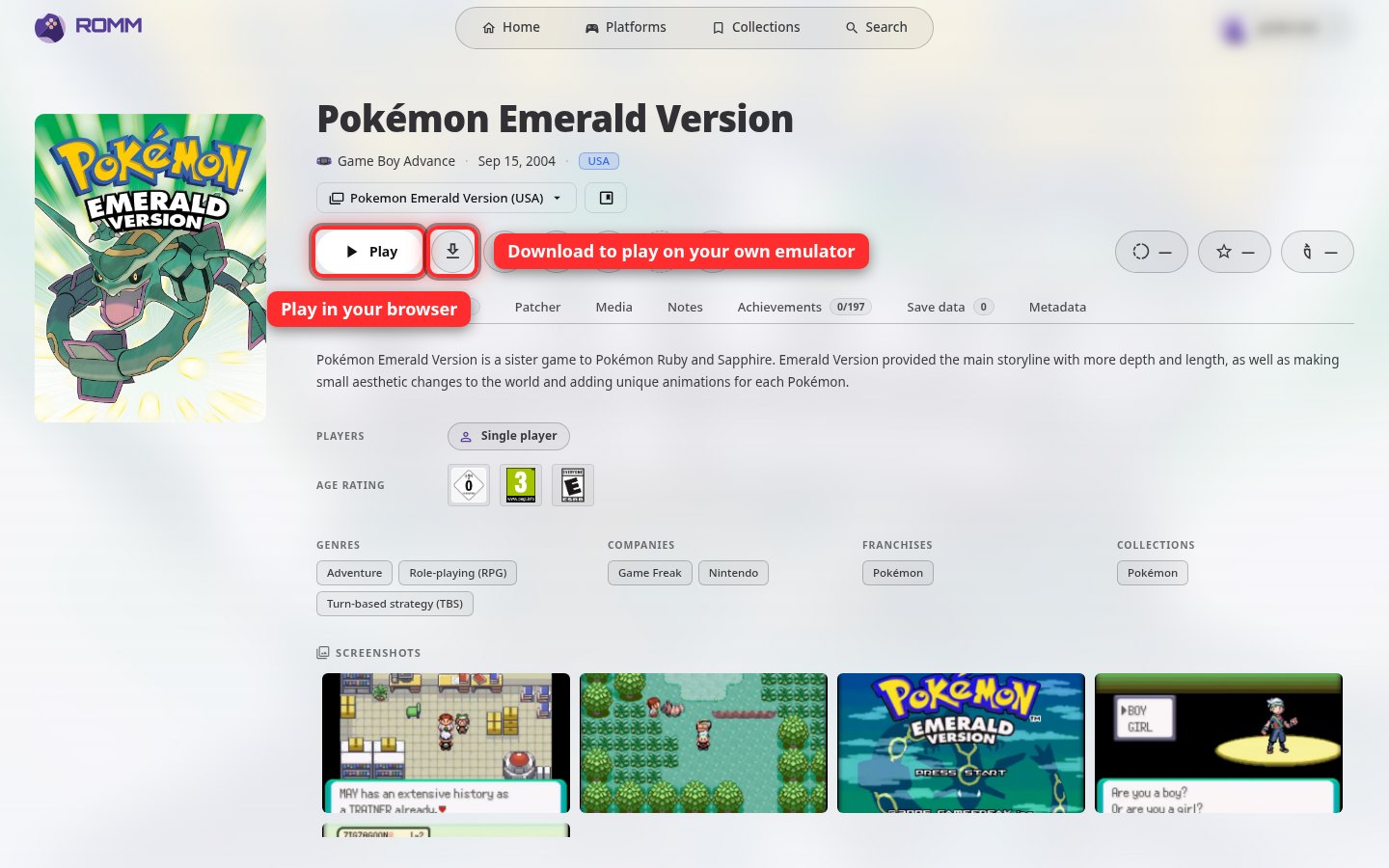
Open the game. Click Play to play it in your browser. To play on your own emulator instead, click the Download button next to it.
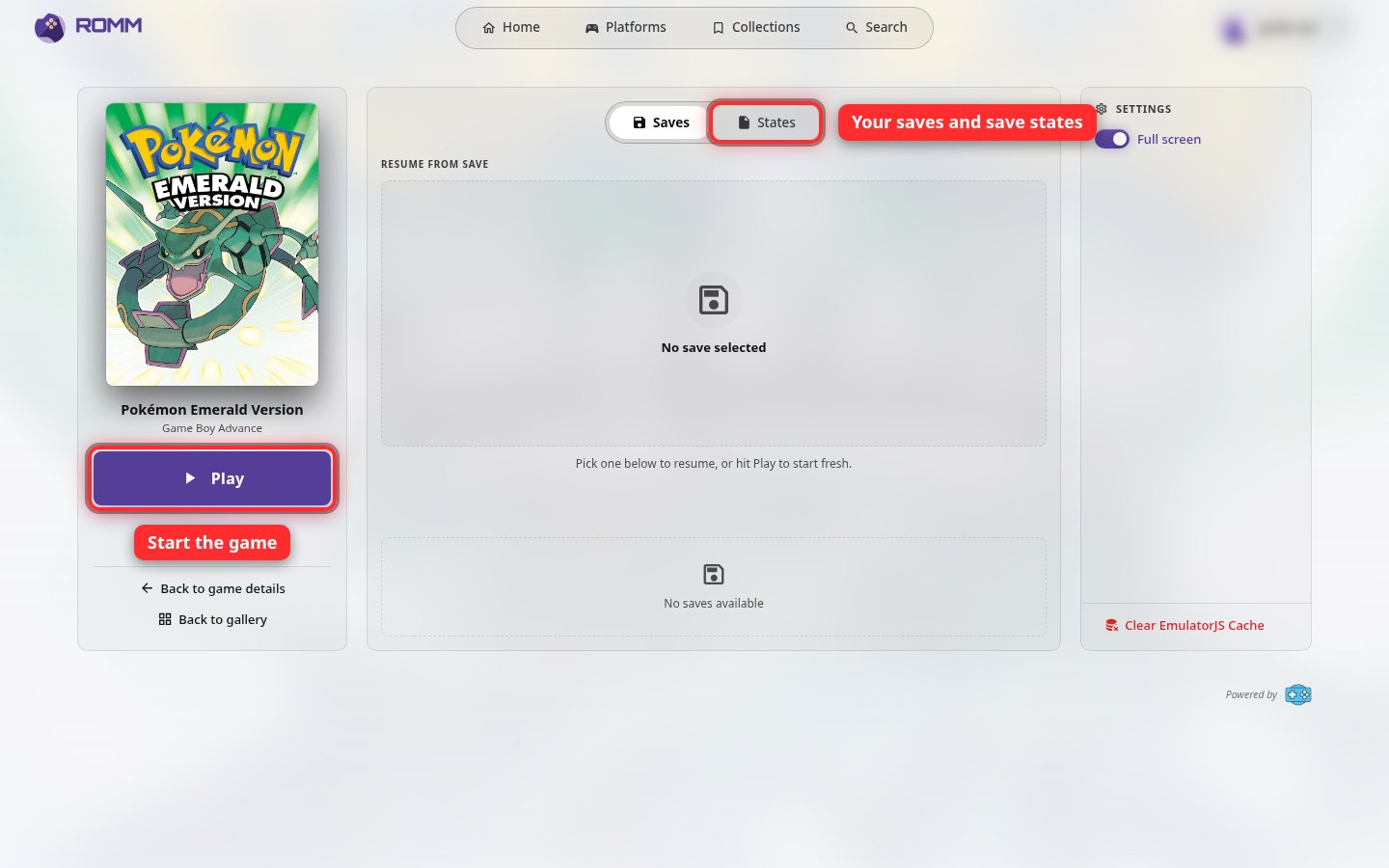
5Start the game
On the next page, click Play to start. If you've played before, pick a save from the list first to carry on where you left off.
A game controller plugged into your computer usually works too. Playing works best on a computer.