RomM guide
Play GameCube and 3DS games
Bigger systems are too heavy for a web browser, so they run on the server and stream to you, like a video you can play. Streaming is turned on for a few people only. Ask the server owner if you'd like access.
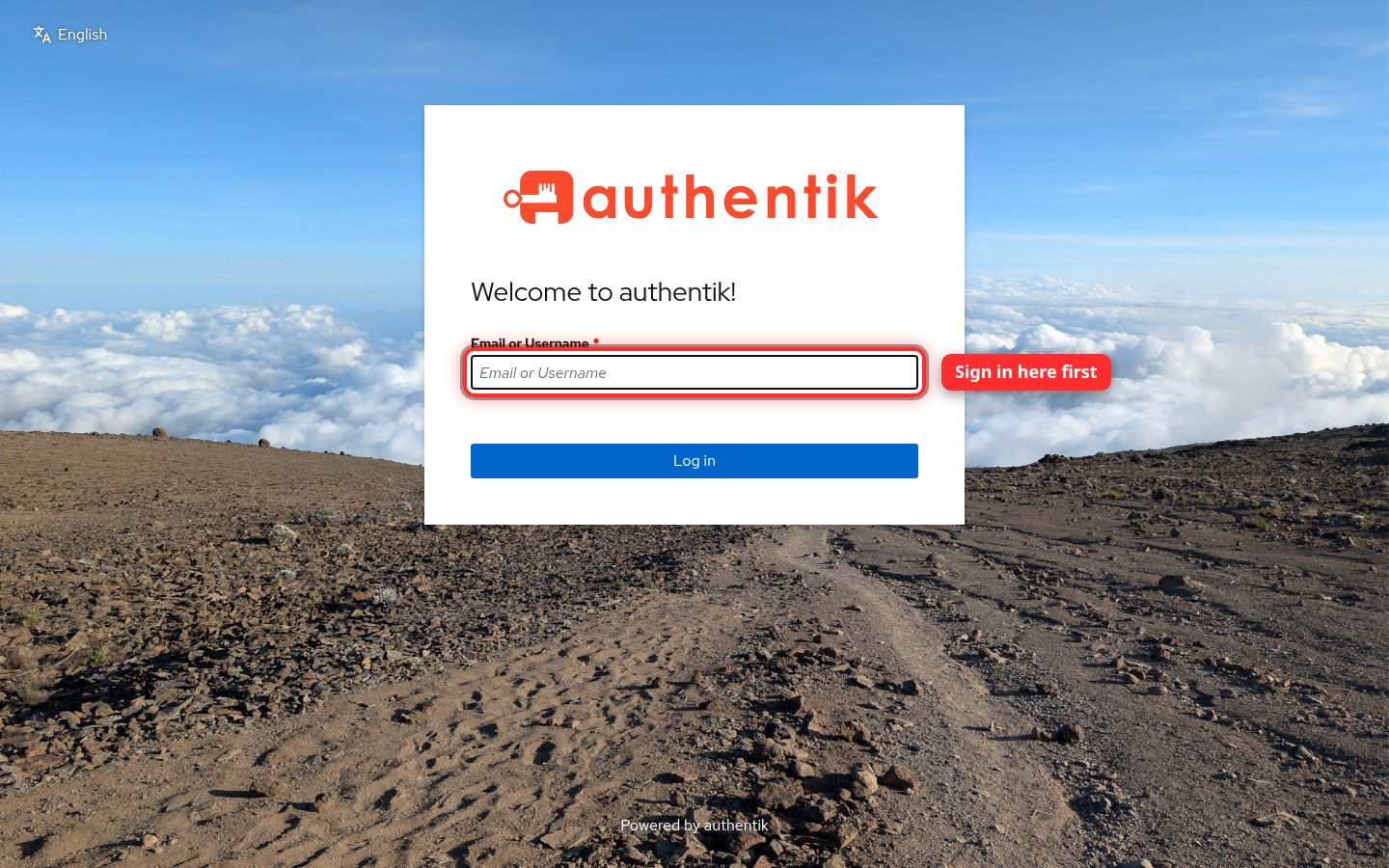
1Sign in to XPV Hub's login first
Go to auth.xpvhub.com and sign in with the streaming username and password the server owner gave you. Do this before you press Play. Otherwise the game window stays blank. You only need to do it again if you get signed out.
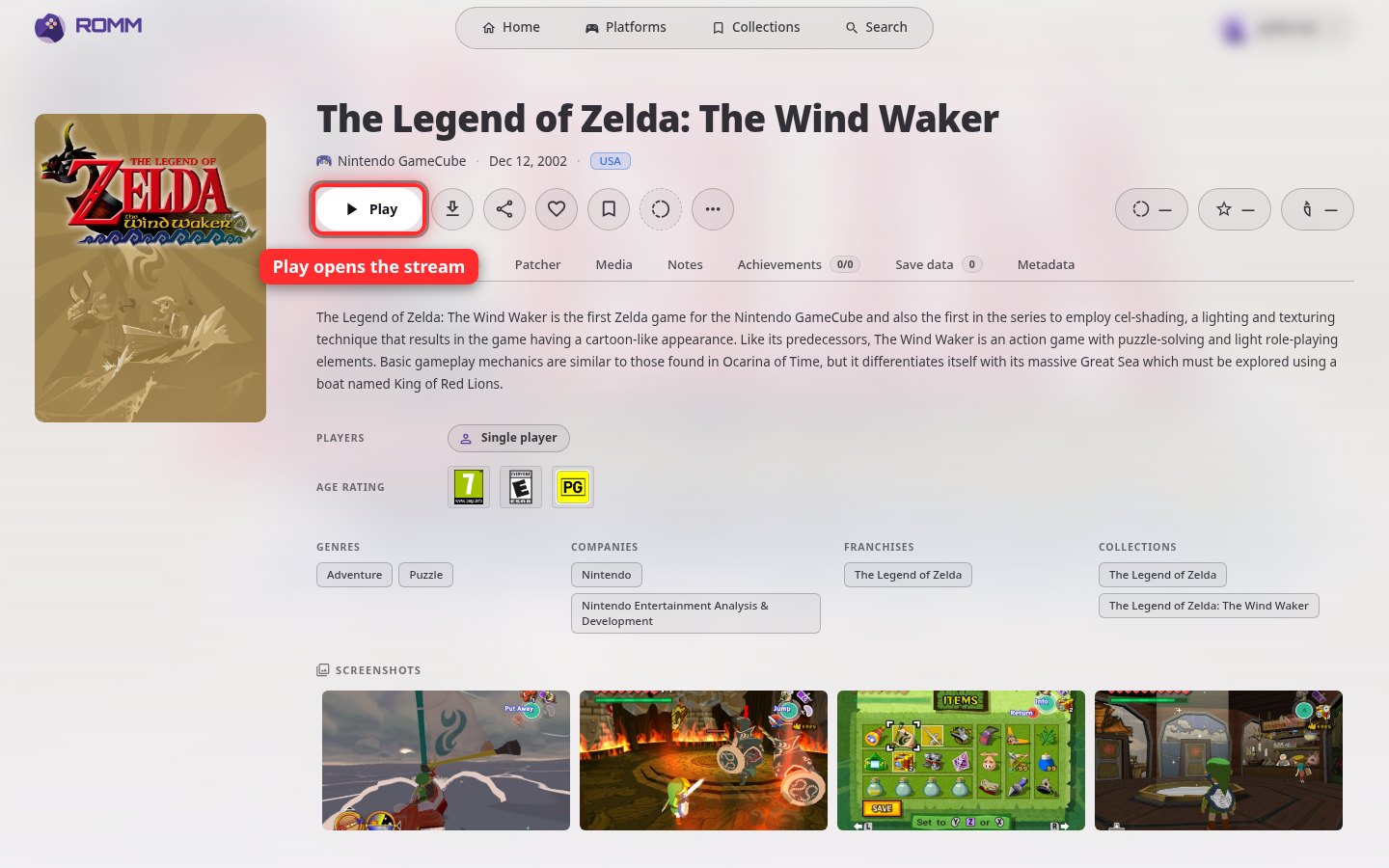
2Press Play in RomM
In RomM, open a GameCube or 3DS game and click Play. The game starts on the server and appears in your browser. Use your keyboard, or plug in a game controller.
Good to know
- Each system runs one game at a time. If someone else is already playing a GameCube game, wait until they're done.
- The picture is 720p so it plays smoothly over the internet.
- Save in the game as usual before you close the tab.