Jellyfin guide
How to request a movie or TV show
Can't find something on XPV Hub? You can ask for it right inside Jellyfin. It takes about a minute. Your request goes to the server owner. Once it's approved and downloaded, it shows up in your library.
1Open search
Click the Search button (the magnifying glass) in the top-right corner.
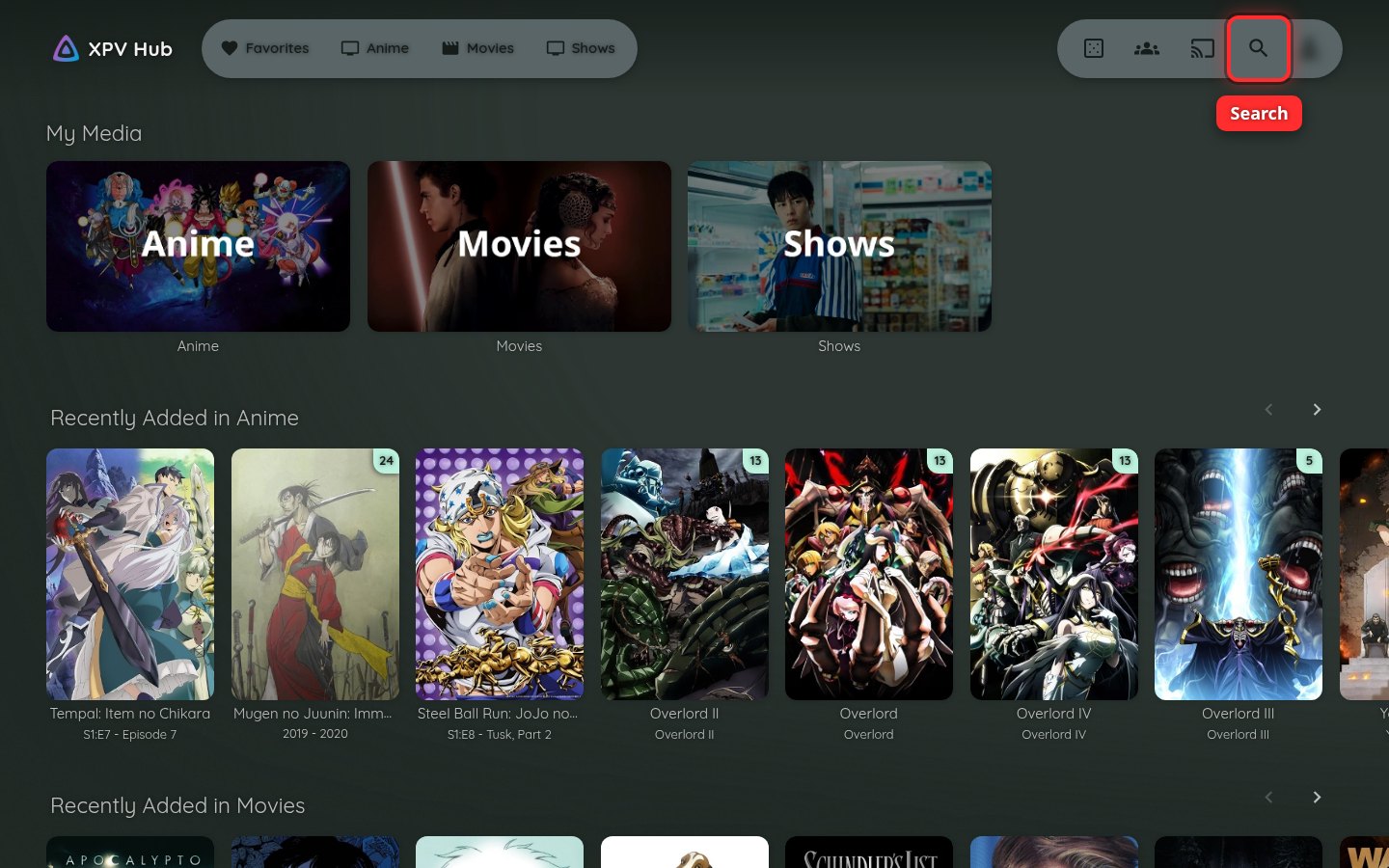
2Search for the movie
Type the name of the movie in the search bar. Results show up as you type.
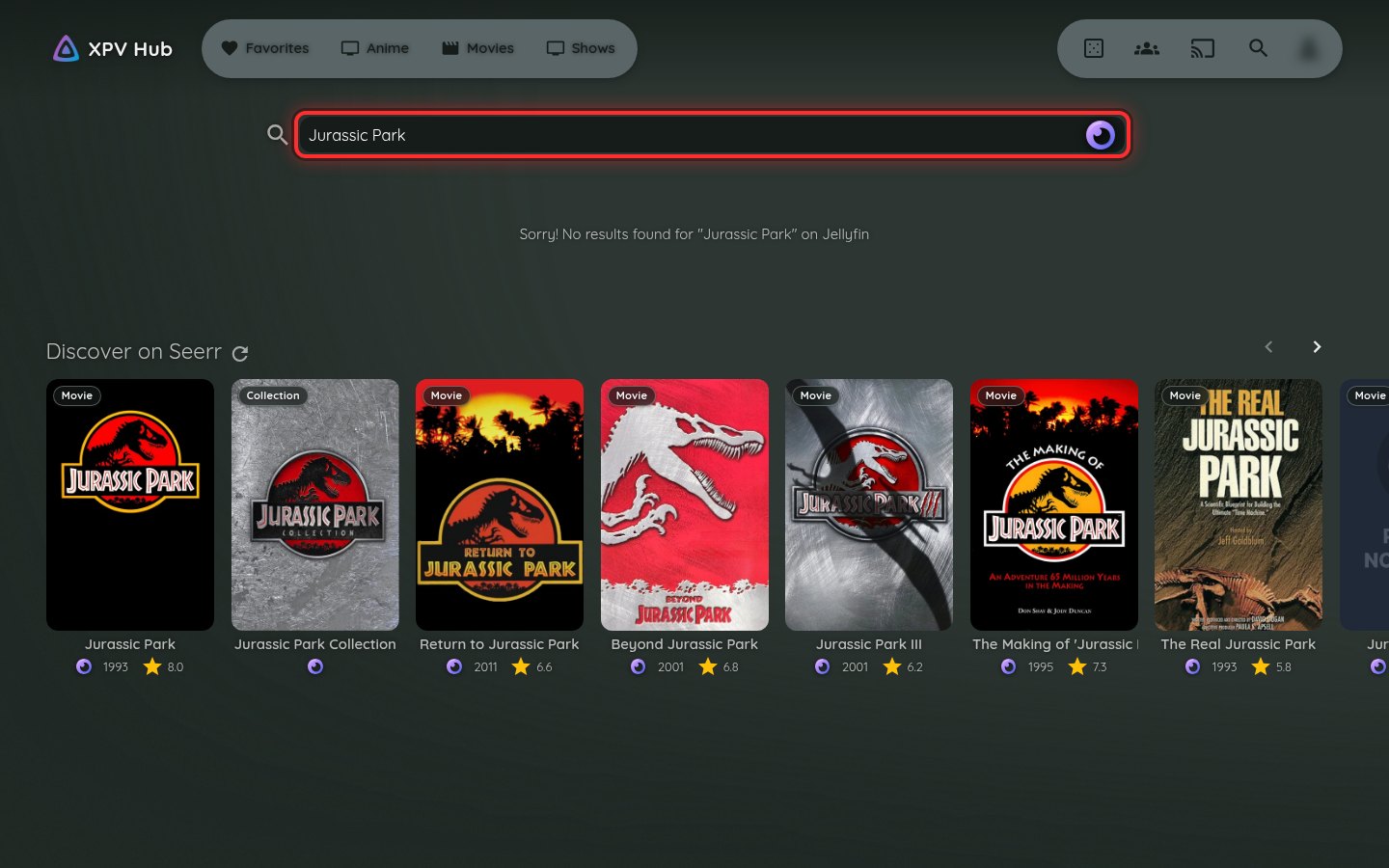
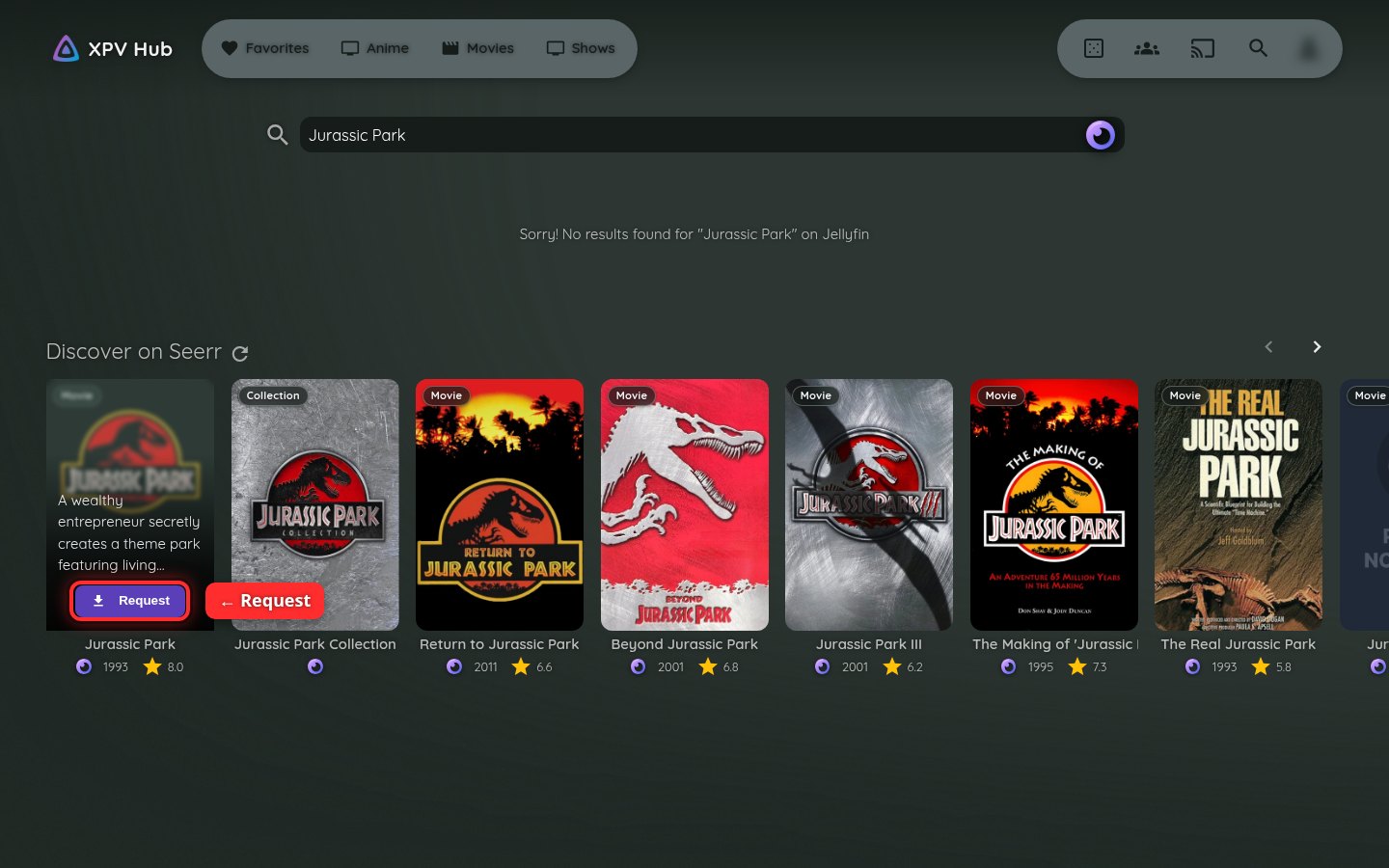
3Request it
If the movie isn't on the server yet, it shows up under Discover on Seerr. Point your mouse at the poster (on a phone or tablet, tap it), then click Request. That's it. Your request has been sent.
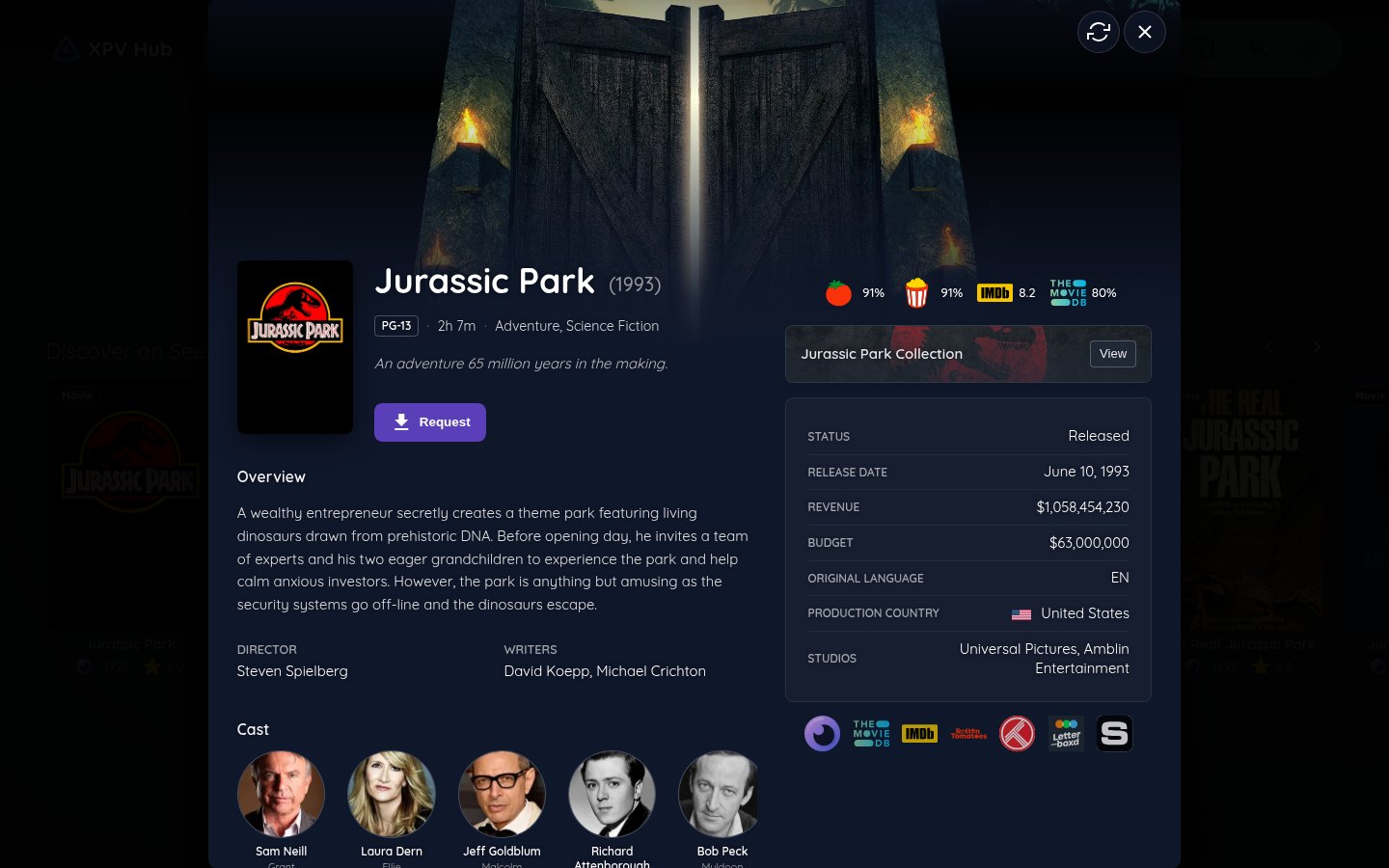
Tip: check it's the right movie. Click the poster (anywhere except the Request button) to see more about it: the year, cast and story. You can press Request from there too. Press X to close it.
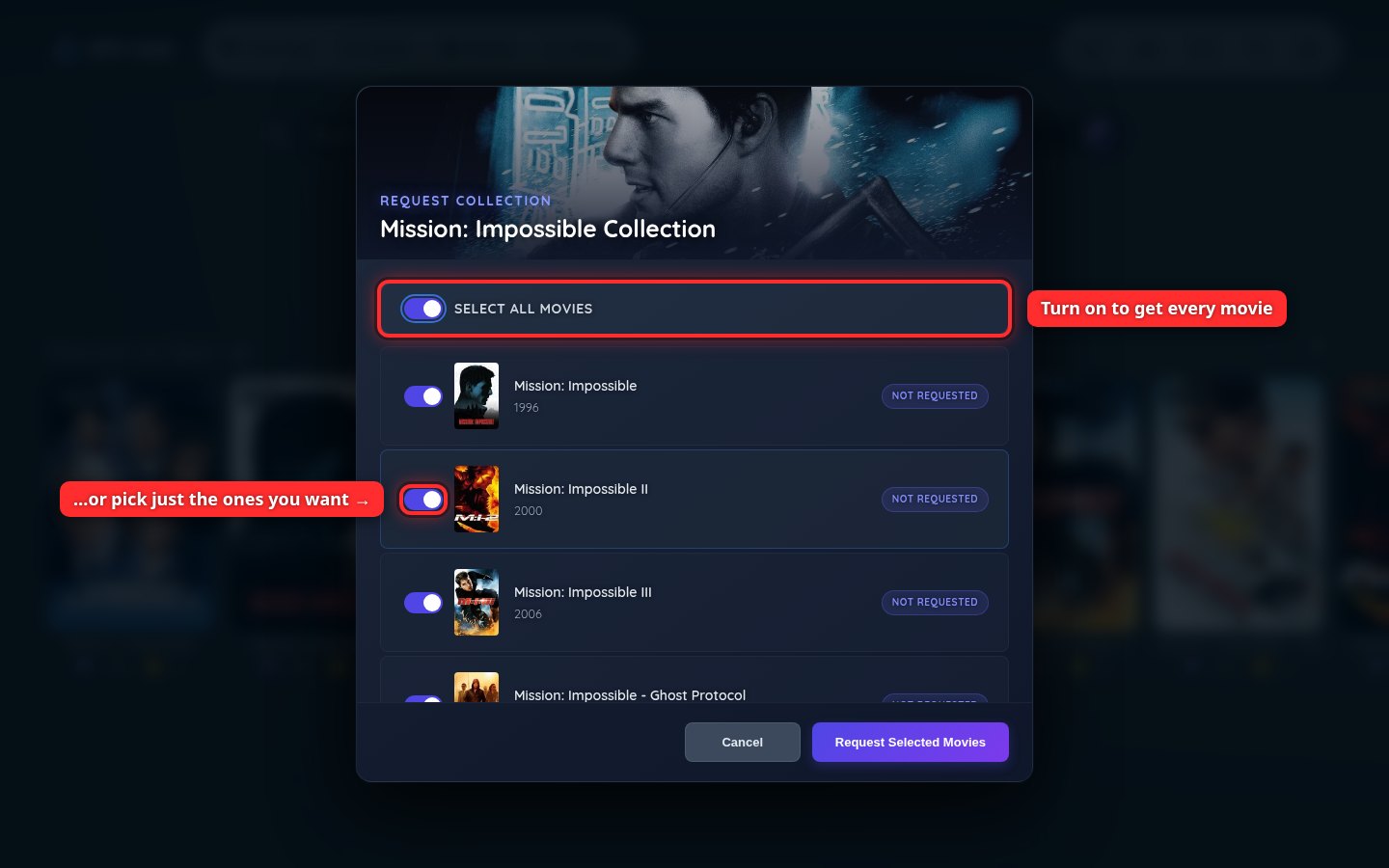
Tip: get a whole series of movies at once. Some results are marked Collection, like Mission: Impossible Collection. Click one to see every movie in it. Leave Select all movies on to get them all, or switch off the ones you don't want. Then click Request Selected Movies.
Requesting a TV show
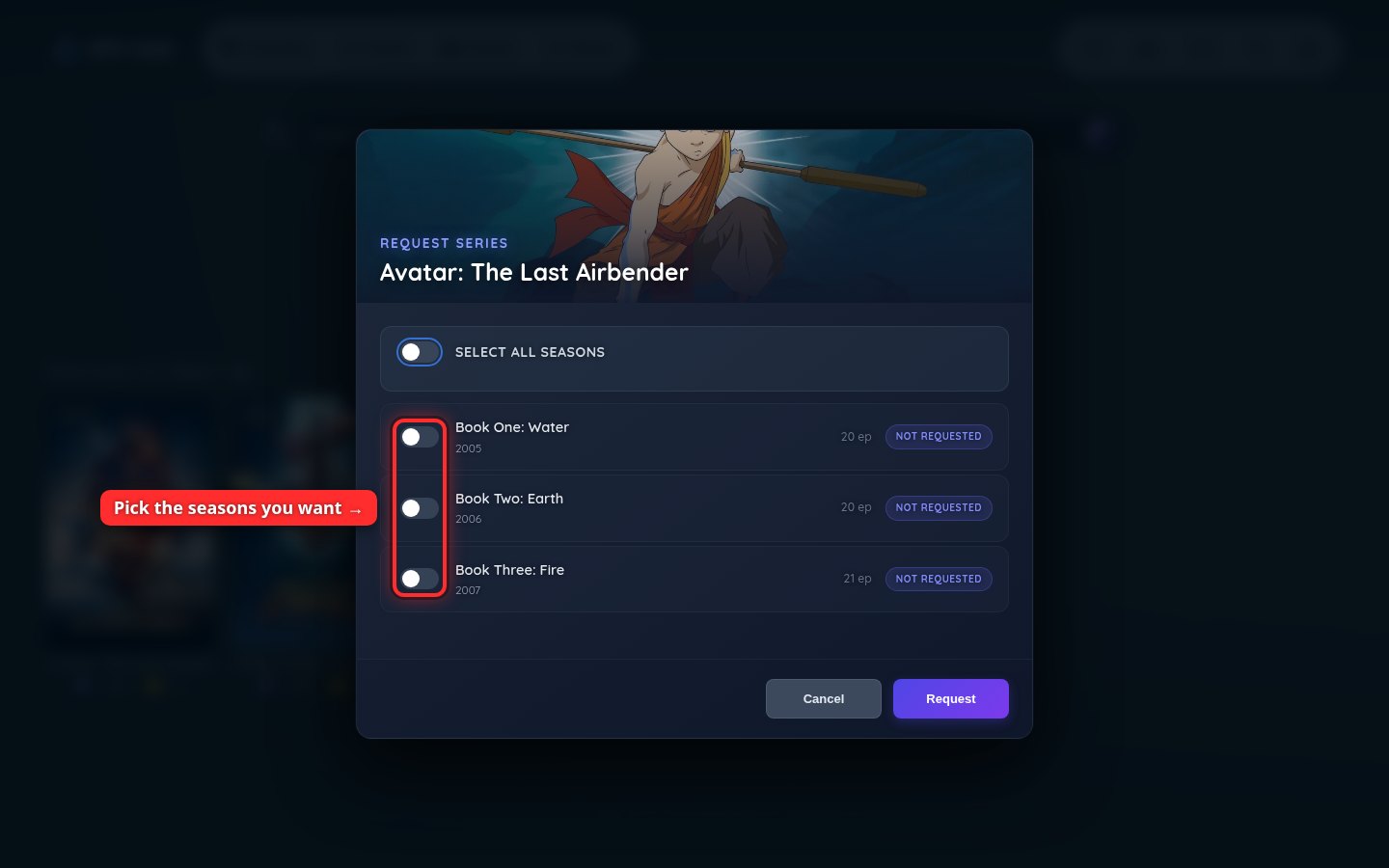
TV shows work the same way. Search for the show, point at the poster and click Request. Then switch on the seasons you want (or Select all seasons) and click Request.
Some shows have more than one version with the same name. Check the year on the poster. For example, the Avatar: The Last Airbender cartoon is from 2005.
Changed your mind before sending? Click Cancel and nothing is requested.
Want to know when it's ready? See Check on your requests.