Games guide
Help run a game server (the game panel)
If the server owner made you a helper on a game server, you can check on it from the game panel at panel.xpvhub.com. What you can do there depends on what the owner allowed.
1Sign in
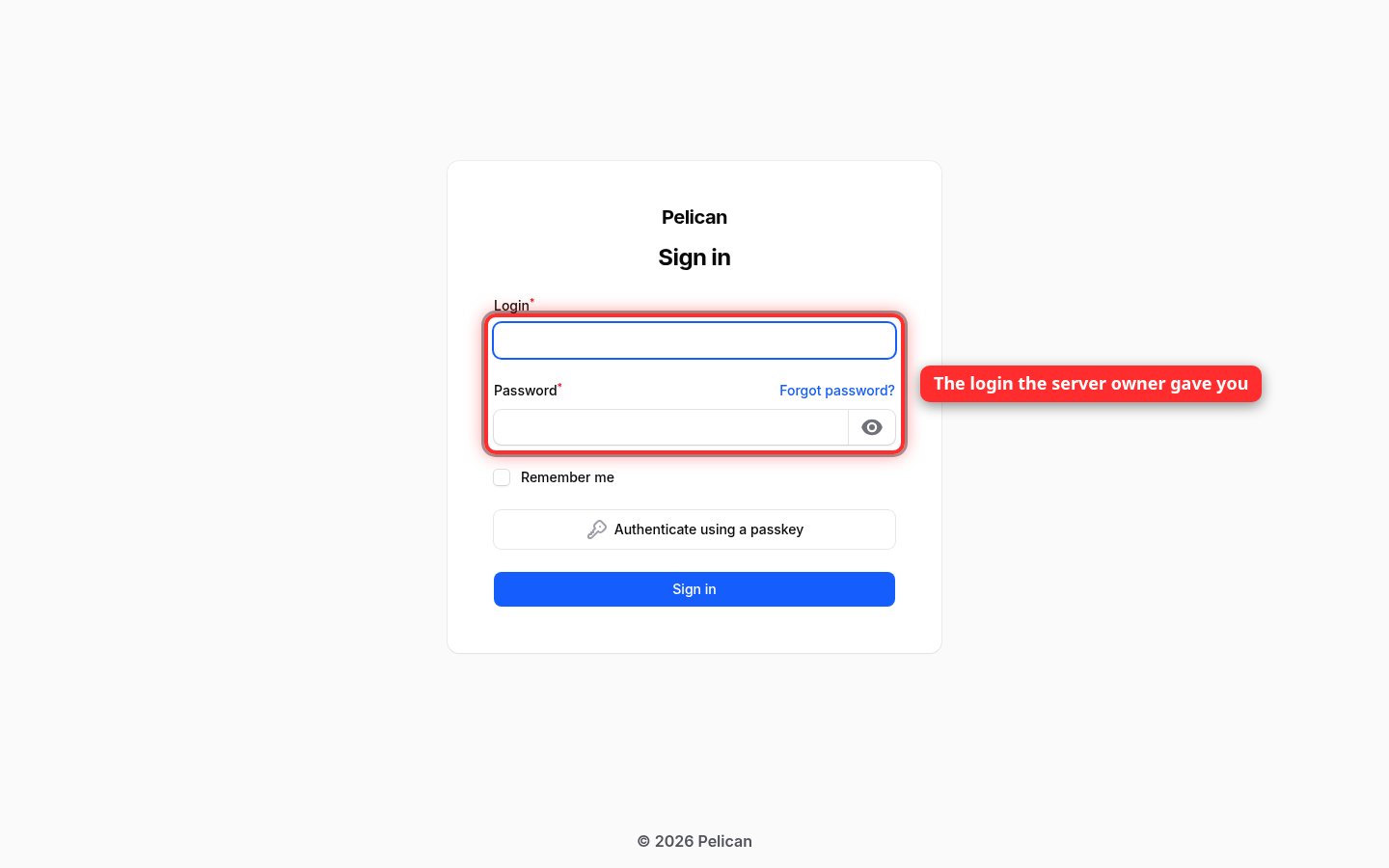
Go to panel.xpvhub.com and sign in with the panel login the server owner gave you.
2Find your server
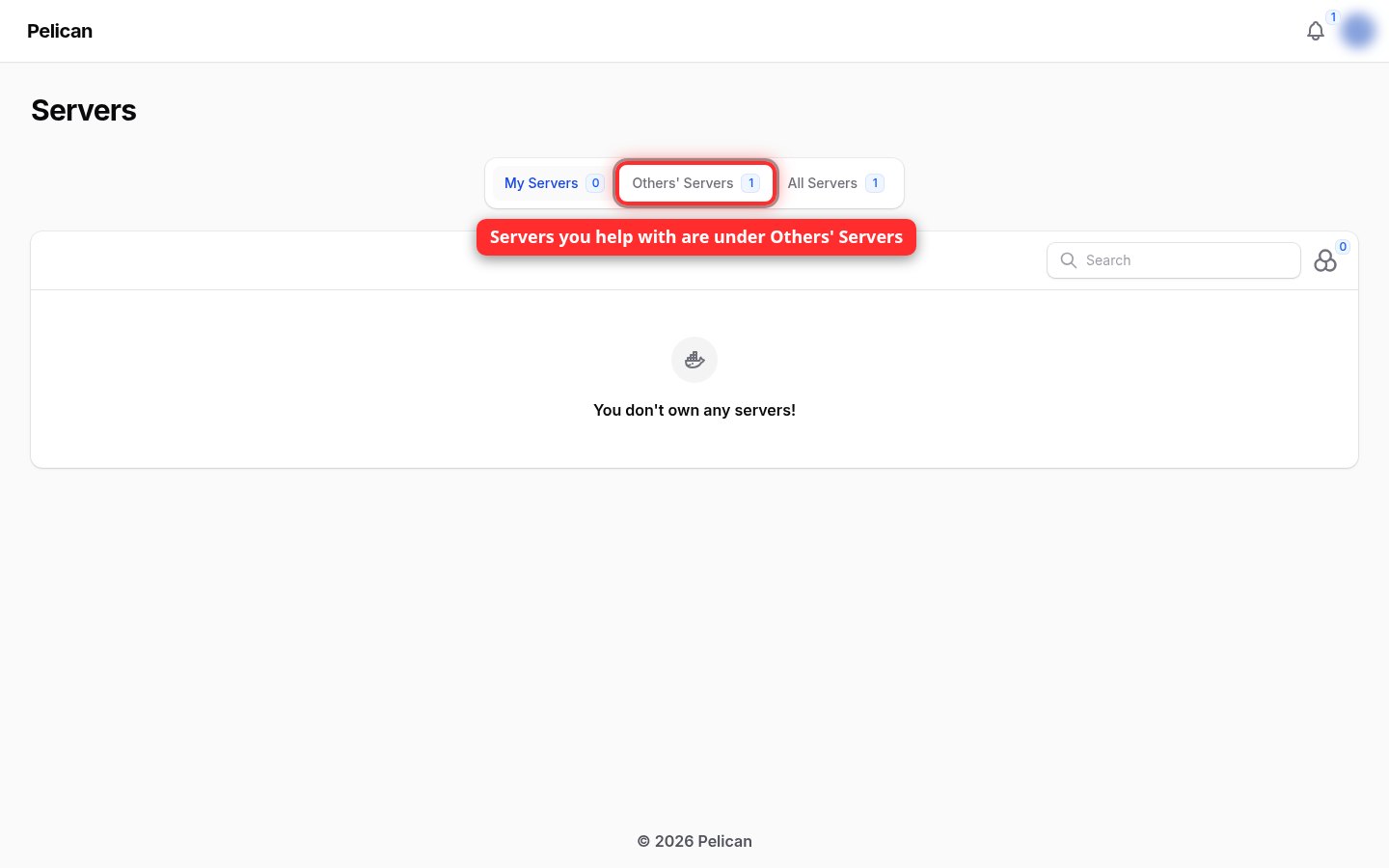
The panel opens on My Servers, which is empty for helpers. Click Others' Servers to see the servers you help with.
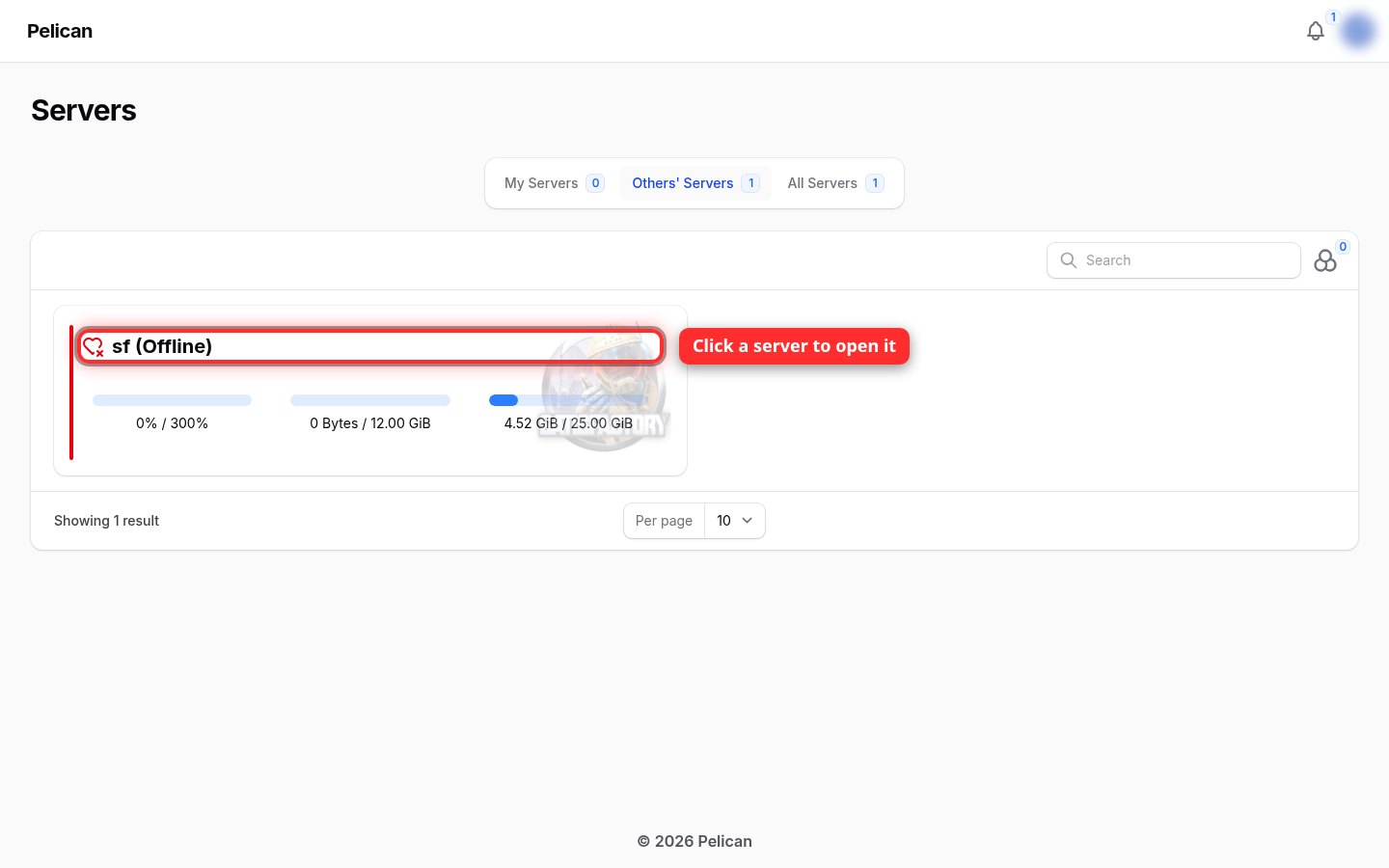
Then click the server's name to open it.
3The console
The Console page shows what the server is doing, its status and how busy it is. Depending on your permissions you'll also see Start, Restart and Stop buttons, a box for typing server commands, and extra pages like Files or Backups in the menu.
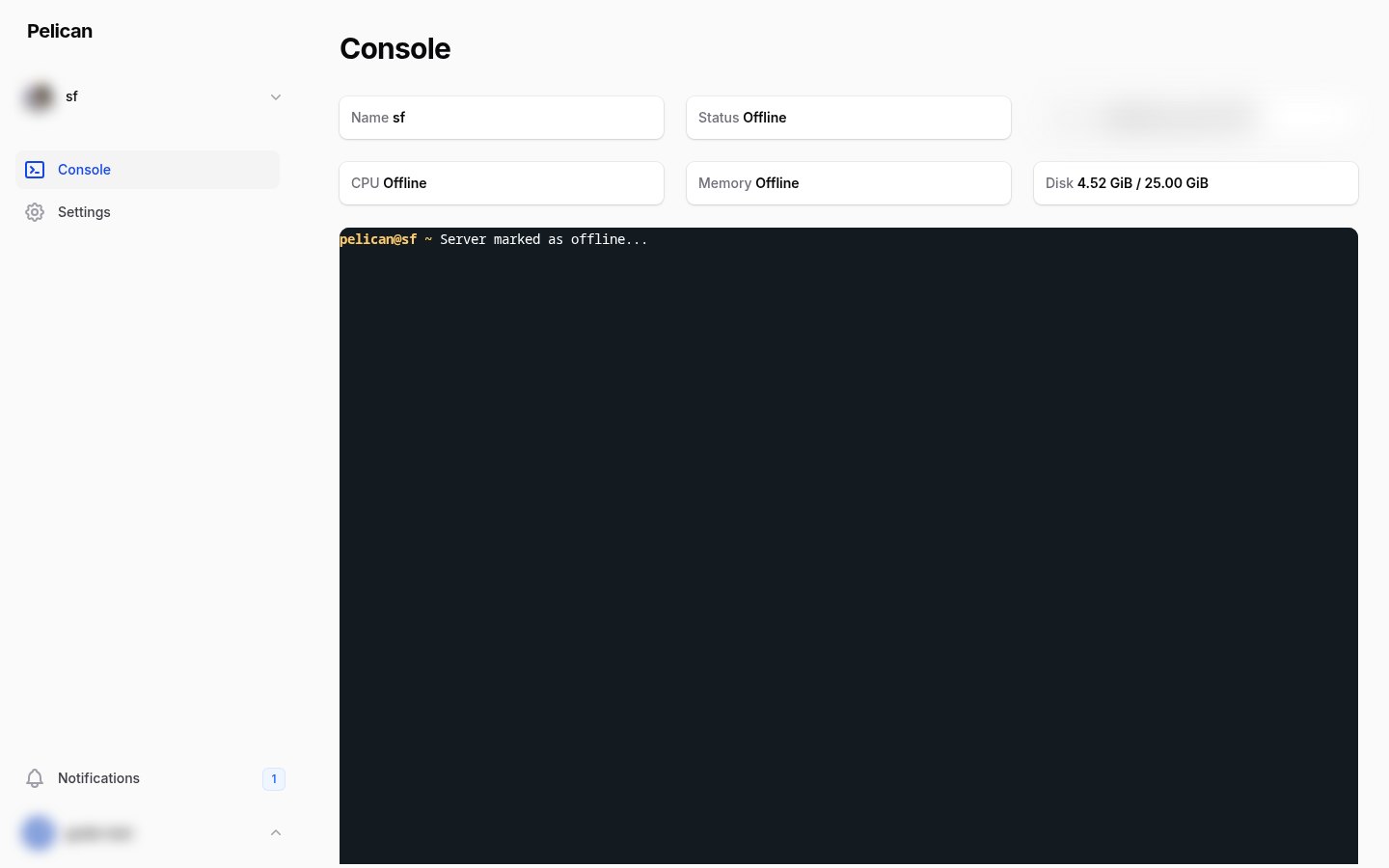
Stopping or restarting kicks everyone who's playing, so give people a heads-up first. Discord announces it automatically. This page also shows the server's address, so don't post screenshots of it publicly.